24 July 2026
Offline Meal Planner Without Subscription
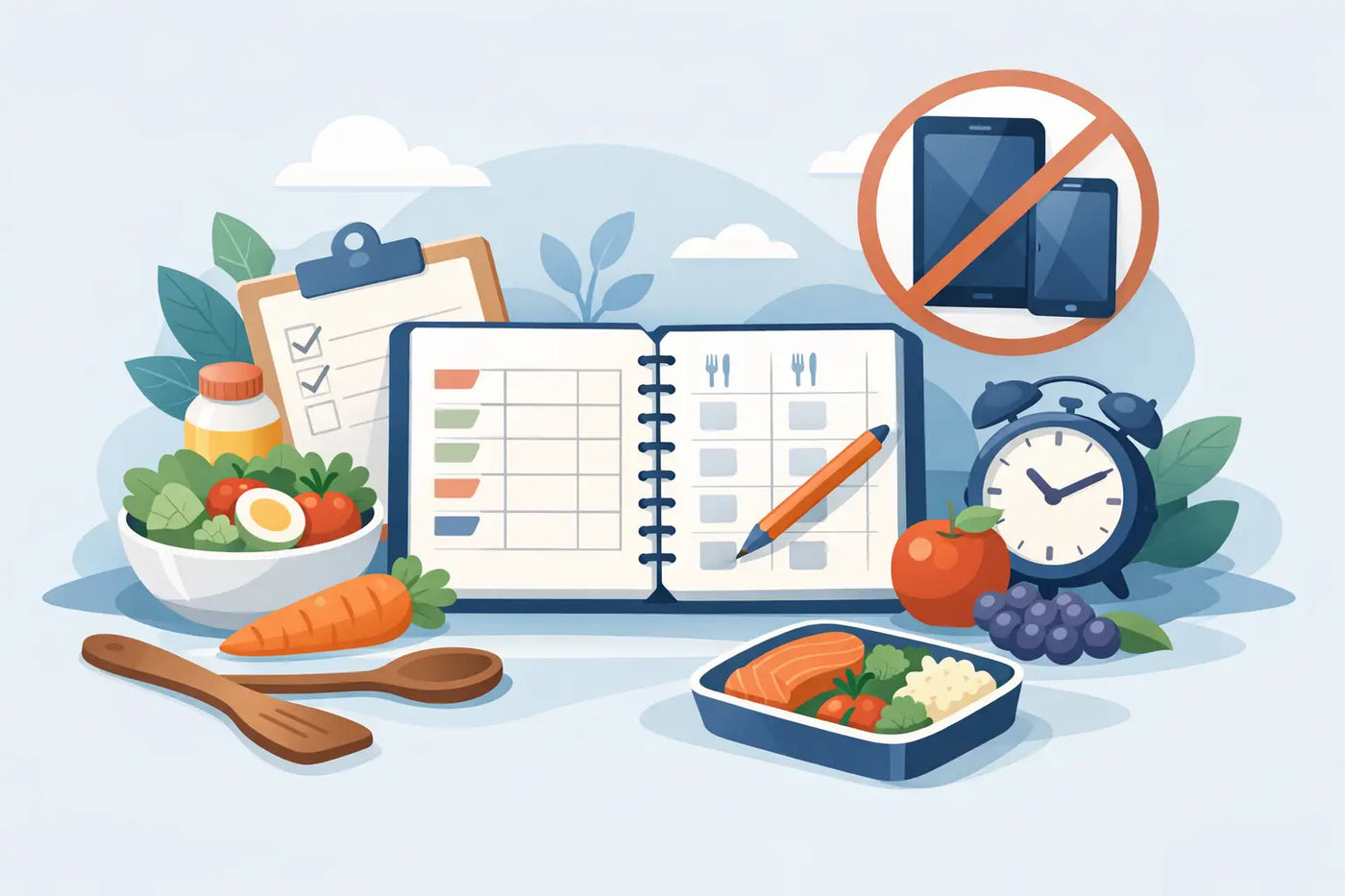
Sunday dinner should not require a login, a billing reminder, or a working Wi-Fi signal. An offline meal planner without subscription gives your household a place to make decisions once, then use them all week. Your meals, recipes, grocery list, pantry records, and nutrition notes stay available when you need them - not when a cloud service decides to cooperate.
For households tired of scattered recipe tabs and another monthly charge, that difference is practical. Dinner, decided. The grocery list is already written. Your information remains yours.
What an offline meal planner should do
Offline does not have to mean bare-bones. A useful planner should bring the moving parts of home food management into one place: the meals you plan, the ingredients you need, the food you already own, and the nutrition or cost details you want to watch.
The important distinction is where that system lives. A cloud app stores your household data on someone else’s service. It may require an account, internet access, and an active subscription. An offline planner works locally, often in your browser, with your data saved on your own device. There is no account to maintain and no server required for the weekly planning routine.
That creates a quieter kind of reliability. You can plan on a flight, in a weak-signal kitchen, or after deciding to cancel every nonessential subscription. The tool remains useful because you own it.
Why subscriptions create friction in a household routine
Meal planning is repetitive by design. You choose familiar breakfasts, rotate reliable lunches, plan a few dinners, buy groceries, cook, and repeat. The system should reduce that repetition, not turn it into another recurring expense.
A subscription can make sense when a service continually provides something you need from the cloud, such as live delivery coordination. But many meal-planning tasks do not need that arrangement. Your favorite recipes do not need to sit behind an account. Your pantry count should not depend on an internet connection. A grocery list does not become more helpful because it renews every month.
There is also the issue of accumulated household data. After months of entering recipes, allergy notes, prices, and pantry items, leaving a subscription app can feel inconvenient. That is not a good reason to stay. A planner should make it easy to keep a copy of your information through usable backups, such as JSON data exports and CSV files.
Buy it once. Use it for as long as it serves your kitchen.
How to choose an offline meal planner without subscription fees
Look past the word “offline.” Some apps are offline only temporarily, then require an account to sync or unlock core features. Others offer a free tier that becomes restrictive once your recipe collection grows. Check what happens after purchase, after a year, and if you choose never to create an account.
A capable offline meal planner should handle four connected jobs:
- Schedule meals across the week without rebuilding the same plan from scratch.
- Store recipes with ingredients, servings, instructions, and dietary notes.
- Turn scheduled recipes into a consolidated grocery list.
- Track pantry food so you can use what you have before buying duplicates.
Also look for serving scaling. A recipe planned for two should not force you to do mental math when four people are eating. Allergy flags matter for the same reason. A clear warning at planning time is better than remembering restrictions while everyone is hungry.
Finally, confirm that the software can be backed up and restored. Local control is valuable, but only if you can protect the data you build over time. Exporting your records periodically takes minutes and prevents a device change from becoming a kitchen reset.
A weekly routine that stays realistic
The best plan is not the most detailed one. It is the one your household will repeat. Start with a short planning session before your usual grocery trip. Review what is in the pantry and refrigerator first, especially items approaching their expiration date. Then choose meals that use those ingredients.
A practical week often has less variety than people expect. Plan a few anchor meals rather than seven ambitious dinners. A roasted chicken can become tacos or grain bowls. A pot of beans can support lunches and a quick dinner. One planned leftover night can prevent a midweek scramble and reduce food waste.
Add recipes to the schedule based on the actual rhythm of your week. A 30-minute meal belongs on the evening with soccer practice. A longer recipe belongs on the night you are home. Keep one low-effort backup meal in the plan for the day work runs late or dinner plans change.
Once meals are scheduled, generate the grocery list from the recipes. Review it against pantry quantities before shopping. This is where planning becomes money management: you avoid buying a second jar of cumin, another bag of rice, or vegetables that have no intended use.
After shopping, update the pantry while putting groceries away. It sounds like an extra step, but it closes the loop. Next week, the planner starts with a more accurate view of what you own. Small updates prevent the familiar problem of a full kitchen that still feels impossible to cook from.
Nutrition and budget details should support decisions
Nutrition tracking is useful when it answers ordinary questions. Does this week include enough protein? Which lunch is higher in sodium? How does a recipe change if it serves four instead of two? Ingredient-based calculations can make those answers visible without turning every meal into a spreadsheet project.
The same applies to prices. A personal price book helps you remember what common items cost at the stores you use. Over time, it gives you a clearer view of the difference between a sale and a price that only looks like one. It also helps estimate a grocery trip before you leave home.
These features should remain optional. Some households want detailed nutrition oversight. Others only need a reliable dinner plan and a clean list. A good system lets you use the level of detail that helps, without demanding data entry for its own sake.
The trade-offs of keeping meal planning offline
Offline planning has limits, and they are worth understanding. You will not get automatic cloud syncing across every device unless you handle a backup or file transfer yourself. If several people actively edit the plan at the same time, a shared cloud app may be more convenient.
You also take responsibility for saving your data. That is a fair trade for privacy and ownership, but it should be treated as a habit. Keep periodic backups in a location you control, particularly before replacing a computer or clearing browser data.
For many households, those trade-offs are minor. The core work happens in one place: the kitchen table, a laptop before shopping, or a desktop between meetings. It does not require social features, tracking scripts, or an account tied to your family’s food habits.
LARDER is built around that model. It is a single downloadable HTML file that runs in your browser, with no installation, account, cloud connection, or monthly fee. It combines weekly scheduling, recipe management, grocery-list automation, pantry and expiration tracking, serving scaling, allergy flags, nutrition calculations, and personal price records in one local workspace.
The point is not to make food management more technical. It is to make the next decision easier. Keep a few dependable meals ready, let the list reflect the plan, and give your future self a kitchen that makes sense.