27 July 2026
Why a Meal Planner That Works Offline Wins
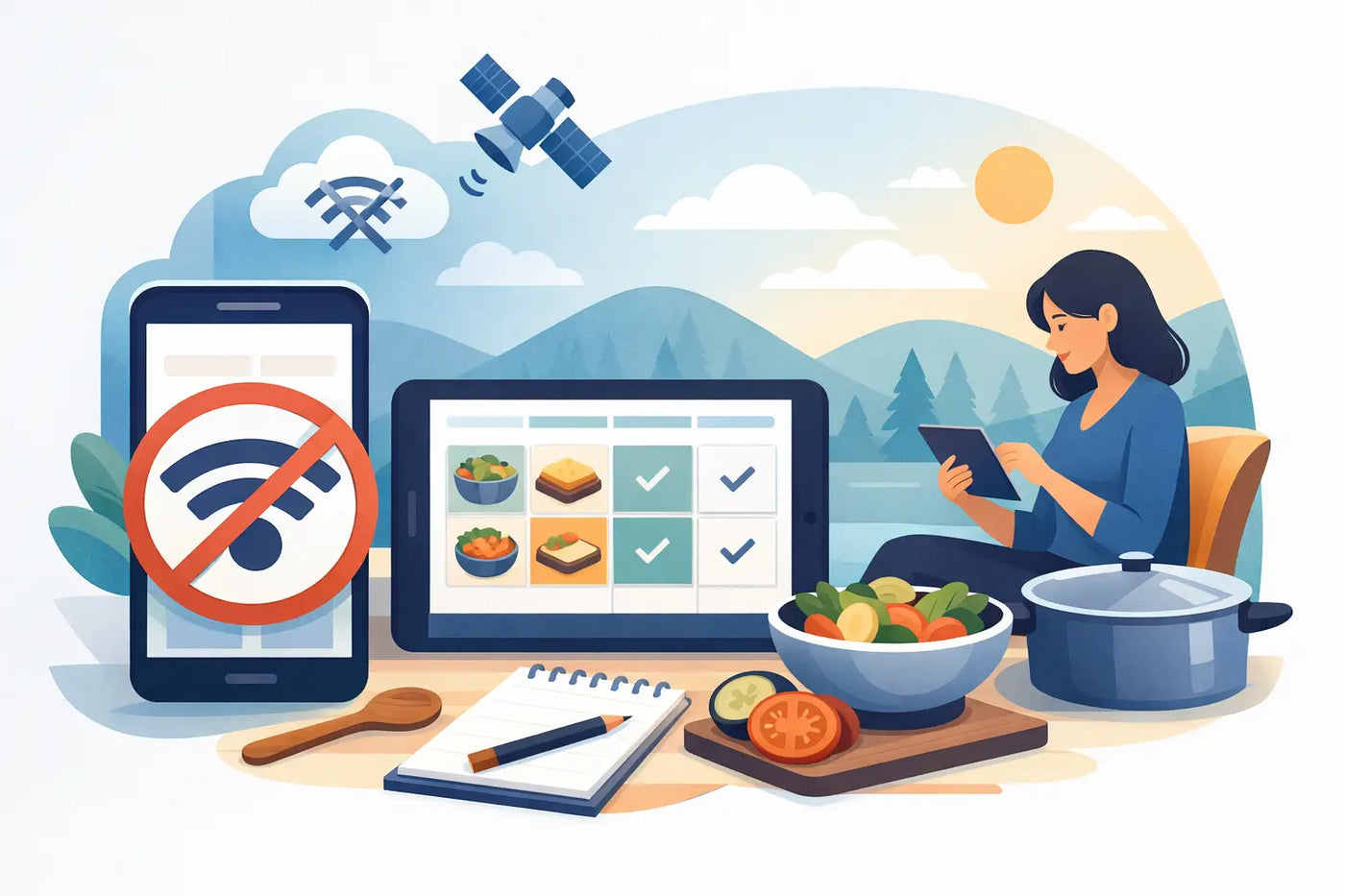
A meal planner that works offline is most valuable when life is least organized: a low-signal grocery store, a rushed Sunday afternoon, or a week when everyone needs something different for dinner. Your plan should still open. Your recipes should still be there. Your grocery list should not depend on a login screen or a service you hope is working.
Meal planning is already a household job. It should not become another subscription, another account, or another place where your personal data lives on someone else’s servers. A good offline system gives you a practical advantage: the plan, the food data, and the routine remain in your hands.
What a Meal Planner That Works Offline Should Do
Offline does not need to mean limited. It means the essential work happens on your device, without requiring a cloud connection to load your recipes, build a list, check your pantry, or review the week ahead.
The right tool turns several small, repeated decisions into one controlled process. You choose meals once. The grocery list follows. You see what is already in the house before buying it again. Nutrition totals come from the actual ingredients and portions you plan to eat, not a vague guess based on a meal name.
That matters because most meal-planning frustration is not caused by cooking. It comes from scattered information. Recipes are in bookmarks, screenshots, notes, and old text messages. The pantry is an unknown. The shopping list gets rewritten every week. By Wednesday, the original plan has disappeared under daily decisions.
An offline workspace puts those pieces in one place and keeps them available when the internet is not.
Your recipes need to be usable data
A recipe collection is helpful. A recipe collection that can drive the rest of your week is better.
Each recipe should hold its ingredients, quantities, servings, preparation notes, and nutrition details. When you scale a meal from two servings to four, ingredient amounts should change with it. When a recipe appears on the schedule, its ingredients should be ready to contribute to a grocery list.
This is the difference between saving recipes and operating a kitchen system. Saved recipes inspire dinner. Organized recipe data helps get dinner made.
Your grocery list should be the result, not another task
Writing a grocery list by hand after planning meals creates duplicate work. It also creates easy mistakes: forgetting the cilantro, buying pasta you already have, or overlooking the yogurt needed for tomorrow’s breakfast.
A useful planner combines the ingredients from scheduled meals, then lets you account for what is already in your pantry. The list becomes a working output of the plan. You can still add household staples or change an item as needed, but you are not rebuilding the week from scratch.
For budget-conscious households, a personal price book adds another layer of control. Tracking your usual prices helps you spot when a store’s sale is real, estimate a week’s spending, and decide whether a substitution is worth it.
Pantry tracking prevents the quiet waste
Food waste is often unremarkable. A bag of greens disappears behind leftovers. A can of beans gets purchased twice. An open package expires because nobody remembered it was there.
Pantry and expiration tracking will not make every ingredient get used. Real weeks change. But it gives you a clear starting point: use what is on hand first, plan around what expires soon, and stop treating the kitchen like a black box.
The system works best when you keep the habit small. Add groceries when you unpack them. Mark ingredients down when you use a meaningful amount. Review upcoming expiration dates while choosing meals. A few minutes of upkeep can prevent a surprising amount of waste.
The Offline Meal Planning Workflow
The goal is not to create a perfect menu. The goal is to make the next seven days easier. A simple repeatable workflow gives you enough structure without turning Sunday into an administrative project.
1. Check what needs attention
Start with the pantry, refrigerator, and freezer. Look for ingredients that need to be used soon, along with proteins or staples you have enough of already. This keeps meal selection grounded in your actual kitchen, not an idealized shopping cart.
If the week will be busy, identify the nights that need fast meals. If you have more time on one evening, plan a recipe that creates leftovers for lunch or another dinner. The best plan reflects your calendar, not just your appetite.
2. Place meals on the week
Schedule recipes where they fit. A household with two adults may only need four planned dinners and a leftover night. A family with kids may need reliable weekday options plus lunches and snacks. Fitness-focused users may plan protein targets or serving sizes more closely.
Leave room for changes. A meal planner should reduce decision fatigue, not make you feel locked into Tuesday’s original plan when Tuesday goes sideways. Moving a meal to another day should take seconds.
3. Review servings, allergies, and nutrition
Serving size is where many plans become unrealistic. A recipe built for four may need to feed two with lunch leftovers. Another meal may need to stretch for guests. Scale it before you shop, not while you are cooking.
If allergies or dietary restrictions are part of your household routine, clear ingredient-level flags help keep planning practical. They are not a replacement for careful label reading or medical guidance. They are a reliable prompt when you are choosing recipes and checking ingredients.
Nutrition tracking also depends on context. Calories and macros are useful when they are based on the ingredients, brands, and portions you actually use. They are less useful when a generic recipe assumes different products or a different serving size. For everyday awareness, accurate inputs beat obsessive tracking.
4. Shop from the list, then keep the record
Once the plan is set, generate the grocery list and shop from it. An offline list remains available in a store basement, a parking lot, or a rural area with unreliable service. You do not need to wait for a sync or remember a password.
After shopping, update pantry quantities and prices where useful. Then save a backup of your data. This final step protects the work you have built: your recipes, food preferences, price history, and household routine.
Privacy Is a Practical Feature
Meal planning can reveal more than people expect. It can reflect health goals, allergies, family schedules, budget patterns, and personal eating habits. Many cloud apps collect some version of that information because accounts, analytics, and recurring subscriptions are central to their business model.
An offline tool takes a different approach. No account. No required internet connection. No tracking needed to open your own plan. Your information stays stored locally in your browser, under your control.
That does create a responsibility. Local browser storage is tied to the device and browser you use. If you clear browser data, lose a device, or switch computers, your information may not follow automatically. Regular JSON or CSV backups are not an inconvenience. They are ownership in practice.
For some households, automatic cloud syncing is worth the trade-off. If multiple people need simultaneous access from different devices, a shared online service may be simpler. But if you value privacy, predictable access, and one durable source of truth, offline planning is often the better fit.
One File, One Household System
LARDER is built around that offline model. It is a browser-based meal planning and nutrition workspace delivered as a single downloadable HTML file. There is no installation, account, cloud connection, or recurring payment required.
It brings weekly scheduling, recipes, grocery automation, pantry and expiration tracking, serving scaling, allergy flags, ingredient-based nutrition, and a personal price book into the same workspace. The point is not to add more software to your life. It is to give recurring household work a stable home.
A one-time purchase can be especially appealing when meal planning is a long-term habit, not a temporary challenge. You should not need to keep paying just to access the recipes and routines you created yourself.
Build a Plan You Can Keep
Start smaller than you think. Plan three dinners. Add the recipes you cook most often. Track only the pantry items that create the most waste or duplicate purchases. Once the routine feels natural, expand it.
The useful meal plan is not the prettiest one or the most ambitious one. It is the one you can open on a tired weeknight, trust at the grocery store, and use again next Sunday. Dinner, decided. The rest of the week gets lighter.