25 July 2026
One Time Purchase Meal Planner That Lasts
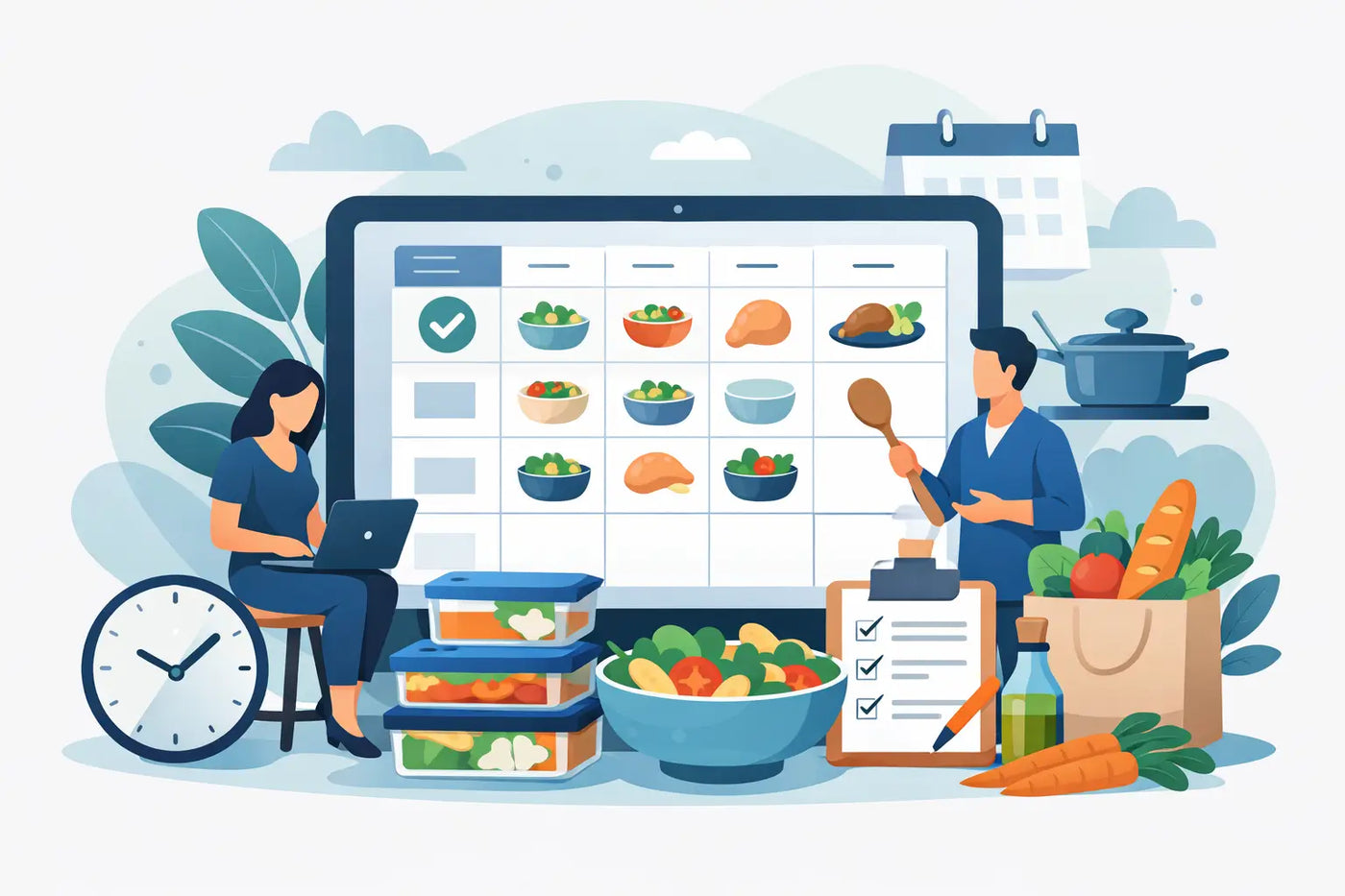
Dinner is rarely hard because cooking is hard. It is hard because someone has to remember what is in the fridge, choose a meal everyone can eat, check the recipe, make a list, shop without buying duplicates, and do it again next week. A one time purchase meal planner gives that work a permanent home without adding another monthly bill to the household.
For many households, the appeal is simple: buy the tool once, keep using it, and keep your meal data under your own control. No account. No recurring charge. No pressure to stay subscribed just to access the recipes, grocery history, and plans you already created.
What a one time purchase meal planner should solve
A planner is not useful because it has a pretty calendar. It is useful when it reduces the number of decisions between “What are we having?” and dinner on the table.
The right system connects the parts of household food management that usually live in separate places. Recipes should inform the meal plan. The meal plan should create the grocery list. Pantry stock should prevent duplicate purchases. Ingredient quantities should make serving changes and nutrition totals easier to understand.
That connection matters on an ordinary Wednesday. You can look at the week, see that Thursday uses chicken already in the freezer, add the missing produce to the list, and move on. There is no need to rebuild the same plan from scratch or open five different apps.
A good one time purchase meal planner also has to work after the novelty wears off. The first week is easy. The real test is whether the system still feels useful three months later, when your schedule changes, your grocery prices rise, and the family wants reliable favorites instead of another collection of aspirational recipes.
Buy once does not mean accept less
Subscription apps have made people expect a monthly fee for basic household organization. That model can make sense when a service needs ongoing human support or frequently refreshed content. But meal planning is often personal recordkeeping. Your recipes, pantry habits, allergy notes, shopping preferences, and price history are your household’s information.
A one-time product can be a better fit when you want a durable utility rather than a rented service. You pay for the tool, build your system, and continue using it on your terms.
The trade-off is worth understanding. A cloud subscription may offer automatic syncing between several devices, social recipe feeds, or a large rotating content library. If several people need to edit the same plan from different locations at the same moment, that may be useful. But it also usually requires an account, an internet connection, and a company to hold your data.
An offline planner takes the other path. It favors privacy, speed, and ownership. You are responsible for keeping a backup, but you are also not dependent on a login, a server, or a company’s decision to change its pricing. For people who want a calm, dependable household system, that is not a limitation. It is the point.
Look for one workspace, not another chore
Before buying, check whether the planner supports the whole weekly loop. A recipe library alone is not a meal planner. A grocery checklist alone is not pantry management. Nutrition numbers without ingredient control can be misleading.
The most useful tools bring together a weekly schedule, recipe management, automated grocery lists, pantry quantities, expiration tracking, serving scaling, allergy flags, and ingredient-based nutrition calculations. They should also let you maintain a personal price book, so the grocery list can reflect what food actually costs where you shop.
Those details are not feature clutter when they work together. They create fewer loose ends.
If you schedule tacos for six instead of four, the ingredient quantities should scale. If the scaled recipe needs two cans of beans and you already have one, the grocery list should account for that. If a family member avoids an ingredient, that should be visible before the meal becomes a last-minute problem. If yogurt is nearing its expiration date, it should influence what gets planned next.
That is the difference between collecting food information and running a food system.
Keep your household data local
Privacy is often treated as a technical preference. In meal planning, it is practical. A food database can reveal your routines, dietary needs, family size, shopping patterns, and health goals. You should be able to decide where that information lives.
A browser-based planner delivered as a downloadable HTML file can work entirely offline. Open the file in a modern browser and use it without installation, an account, or a cloud connection. Your data stays in your browser on your device, rather than being tied to a remote profile.
Local storage does create one responsibility: back up your work. Choose a planner that supports clear exports, such as JSON for restoring your complete workspace and CSV for using your data in a spreadsheet. A backup takes little time and protects the meal plans, recipes, price records, and pantry information you built over months.
This approach is especially practical for households that do not want every small task turned into a login. The planner is there when you need it. It does not need to know who you are.
A weekly routine that holds up
The best planning process is short enough to repeat. Set aside 15 to 20 minutes before your usual shopping day. Start with the week you actually have, not the week you wish you had.
First, review your calendar. Late meeting on Tuesday? Plan leftovers, a freezer meal, or a recipe you can prepare ahead. Sports practice on Thursday? Keep dinner simple. Add the meals that fit those realities before thinking about anything new.
Next, check the pantry, refrigerator, and freezer. Build one or two meals around food that needs to be used. This is where expiration tracking earns its place. Instead of finding wilted produce after shopping, you turn it into Thursday’s stir-fry or Sunday’s soup.
Then add recipes to the schedule and confirm serving sizes. A useful planner turns those meals into a consolidated grocery list, with the ingredients you need rather than a vague reminder to “buy dinner.” Review the list against pantry stock and adjust it before you leave.
Finally, save a backup occasionally, especially after adding a batch of recipes or updating a price book. This is not busywork. It is the small habit that keeps a private, local system reliable.
Nutrition without the daily performance
Nutrition tracking becomes exhausting when it demands perfect logging at every meal. For many people, weekly visibility is more useful than daily pressure.
When nutrition is calculated from the ingredients in your own recipes, you can see meaningful patterns while planning. You might notice that weekday lunches are low in protein, that sodium climbs when convenience meals stack up, or that the same breakfast is carrying the week. Then you can adjust the plan before the groceries are bought.
Ingredient-based calculations also make the numbers more honest. A generic recipe online may not match your brand of sauce, your portion size, or the substitutions you make at home. A personal recipe collection reflects what you actually cook.
There are limits. Nutrition estimates are useful planning information, not medical advice, and packaged products can change ingredients. Anyone managing a medical condition should use the level of care their clinician recommends. Still, for everyday awareness, a planner that keeps recipes, servings, and nutrition together is far more practical than trying to reconstruct meals afterward.
When a single purchase makes the most sense
A one-time model is a strong choice if you want to own a personal planning tool for years, dislike recurring fees, and prefer not to put household data in another cloud account. It is particularly well suited to people who return to the same core recipes, shop on a regular rhythm, and want less food waste without building a complicated spreadsheet.
It may be less suitable if real-time multi-device collaboration is essential or if you want a service to supply new recipes every day. Those are valid needs. They simply point toward a different kind of product.
LARDER is built for the first group: a private, browser-based meal planning and nutrition workspace that combines scheduling, recipes, groceries, pantry tracking, and backups in one downloadable file. Buy it once. Keep the system.
The goal is not to make meal planning a hobby. It is to make the next grocery trip clearer and the next dinner easier to decide. Choose a tool you can still use when the week gets busy, the internet is unreliable, and you want your household information to remain yours.