03 August 2026
What a Private Meal Planning App Should Do
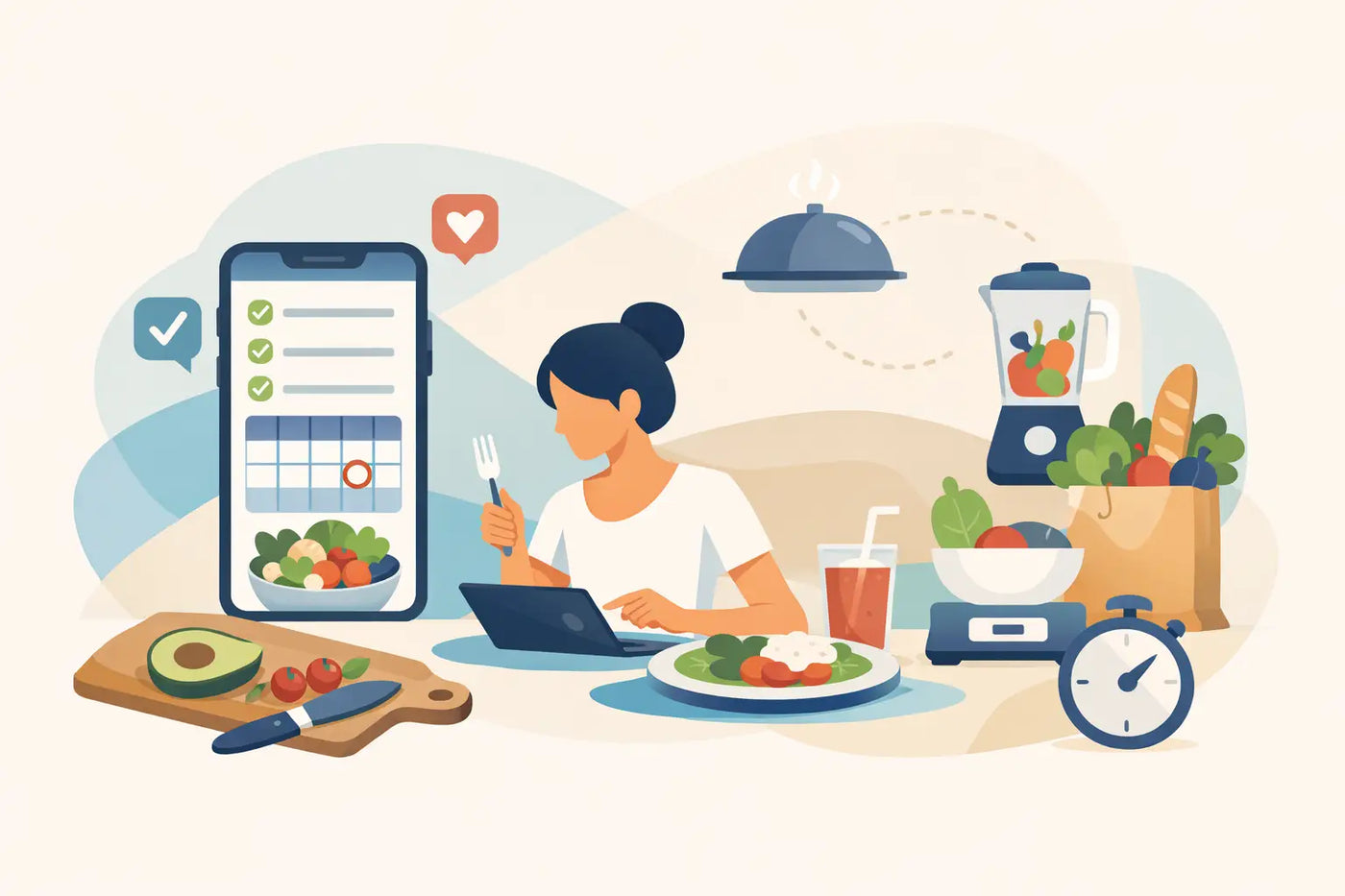
The meal plan is not just a calendar. It contains the way your household eats, shops, budgets, manages allergies, and uses what is already in the kitchen. A private meal planning app should treat that information accordingly: as your household record, not as material for an account profile, an advertising system, or a monthly subscription.
For many people, meal planning starts with good intentions and ends with a mix of notes, recipe tabs, grocery apps, and half-used spreadsheets. The problem is not a lack of recipes. It is the missing system between deciding what to cook and knowing what to buy.
A useful private system closes that gap while keeping control where it belongs: with you.
Why meal planning data deserves privacy
A weekly menu can reveal more than it seems. It may include dietary restrictions, nutrition targets, health-related food choices, family routines, favorite meals, pantry habits, and spending patterns. Even a simple grocery list becomes personal once it is repeated week after week.
Cloud-based meal apps often make convenience contingent on an account. That account may be used to synchronize devices, but it can also become the center of a service you do not control. The company sets the terms, decides what features remain available, and may change its pricing or privacy practices later.
That arrangement works for some households. If multiple people need live access from different locations, cloud synchronization can be useful. But it comes with a trade-off: your planning system depends on an internet connection, a login, and a company continuing to operate the product as expected.
A private meal planning app takes another approach. Your food data stays local. There is no account to maintain, no remote server required for the basics, and no reason for ordinary dinner decisions to leave your device. Privacy is not an optional setting buried in a menu. It is part of how the tool works.
Private does not mean limited
Offline software should not mean a stripped-down checklist. A capable planning workspace can still handle the moving parts that make weekly food management difficult.
Start with the plan itself. You need a weekly schedule that lets you place meals where they belong, then adjust when real life changes the week. A late meeting, a school event, or leftovers that need using should not force you to rebuild everything from scratch.
Next comes the recipe library. Store recipes with ingredients, directions, yields, nutrition information, allergy flags, and serving sizes. When a recipe is planned, the ingredients should contribute to a grocery list automatically. When servings change, quantities should change with them.
Then there is the pantry. A grocery list is only useful when it knows what you already have. Without pantry awareness, it is easy to buy a second jar of cumin, another bag of rice, or produce that gets forgotten behind something else. Tracking inventory and expiration dates makes the plan more practical because it connects the meal calendar to the food already paid for.
Nutrition belongs in the same workspace when it matters to your household. That does not mean turning dinner into a compliance exercise. It means having ingredient-based calculations available when you want to check protein, calories, sodium, or other values across a planned week. The information should support decisions, not create another chore.
The workflow that makes a plan stick
The best meal planning process is repeatable. It should take less mental effort each week because the work you did before remains useful.
1. Build a reliable food library
Add the recipes you actually cook. Include the ingredients you buy and the package sizes that make sense at your stores. A personal price book can make this even more useful by recording what staples cost where you shop.
There is no need to build everything in one sitting. Begin with the meals that appear most often: breakfasts, work lunches, fast weeknight dinners, and a few dependable freezer options. A starter recipe collection can speed up the first week, but your own rotation is what makes the system valuable over time.
2. Plan around the real week
Look at your schedule before selecting meals. Choose quicker meals for crowded nights and save longer cooking projects for the days when you have time. Plan leftovers intentionally rather than treating them as an accident.
This is also where pantry and expiration tracking pays off. If spinach needs to be used, place it early in the week. If chicken is already frozen, build a meal around it. The plan becomes a way to use food with purpose, not just a list of new things to buy.
3. Let the grocery list follow the plan
Once meals are scheduled, the grocery list should be mostly written. Ingredients from selected recipes are combined, serving quantities are reflected, and pantry items can be removed when they are already on hand.
You still need to review the list. Household staples, preferred brands, and changing plans require human judgment. But the repetitive counting and copying should not be your weekly job. A good system handles the arithmetic so you can focus on whether the plan is realistic.
4. Cook, update, repeat
After shopping and cooking, make small updates. Mark pantry items down, record a price when it is useful, and move a skipped meal to another day. These small actions are what turn a single weekly plan into a household system.
The goal is not a perfect record of every crumb in the kitchen. The goal is enough accuracy to prevent duplicate purchases, reduce waste, and make next week easier than this one.
What to look for in a private meal planning app
Privacy claims are easy to make. The product design tells you whether they are meaningful. Before choosing a tool, ask where your data is stored, whether an account is required, and what happens if you stop paying.
A local-first tool stores planning data in your browser or on your device rather than requiring a remote account. It should work without an internet connection after you receive it. It should also give you a clear way to back up and move your information, ideally through common formats such as JSON for full data backups and CSV for spreadsheet-friendly records.
Ownership matters just as much as storage. Subscription software can be convenient, but recurring fees create a permanent dependency for a routine that should be stable. If the service changes its plan, removes a feature, or closes, your meal system may be affected. A one-time download avoids that particular risk. Buy it once. Keep using it on your terms.
Compatibility is worth checking before you commit. Browser-based software can be a practical choice because it avoids installation and works across many modern computers. Still, confirm that it runs in the browser you use and understand where the browser saves local data. A backup is not a sign that the tool is fragile. It is how you keep control if you replace a computer, clear browser data, or want an independent copy of your records.
A practical standard for household software
The right tool should reduce decisions without taking possession of your information. It should help you answer ordinary questions quickly: What are we eating? What do we need? What is already here? What needs to be used first? Does this week’s plan fit our nutrition goals and budget?
LARDER is built around that standard. It is a single downloadable HTML file with meal scheduling, recipe management, grocery-list automation, pantry tracking, nutrition calculations, allergy flags, serving scaling, and a personal price book. It works offline, requires no account or installation, and has no monthly fee. Your data stays in your browser, with JSON and CSV backups available when you want them.
That model will not suit every situation. A household that needs real-time shared editing across several phones may prefer a cloud service. But for people who want a dependable personal workspace without tracking, accounts, or recurring charges, local control is a meaningful advantage.
Dinner does not need another platform standing between you and the food in your kitchen. Choose a system that remembers your routine, writes the next grocery list, and leaves the record of your household where it belongs: with you.